MY ROLE
Associate Solution Leader - UI/UX
Contextual Dynamic User Interface Team
Brane Enterprises specializes in AI-driven solutions, leveraging machine learning, deep learning, NLP, computer vision, and generative AI to power autonomous systems, robotics, and intelligent automation.
OVERVIEW
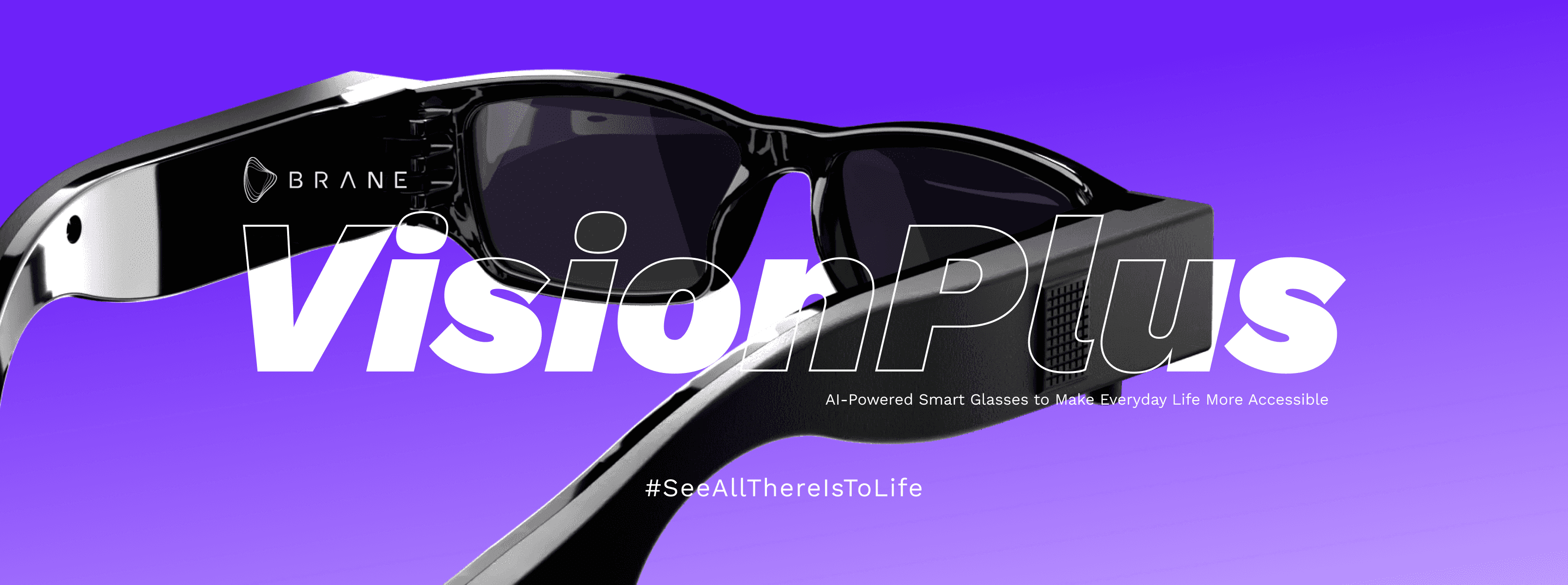
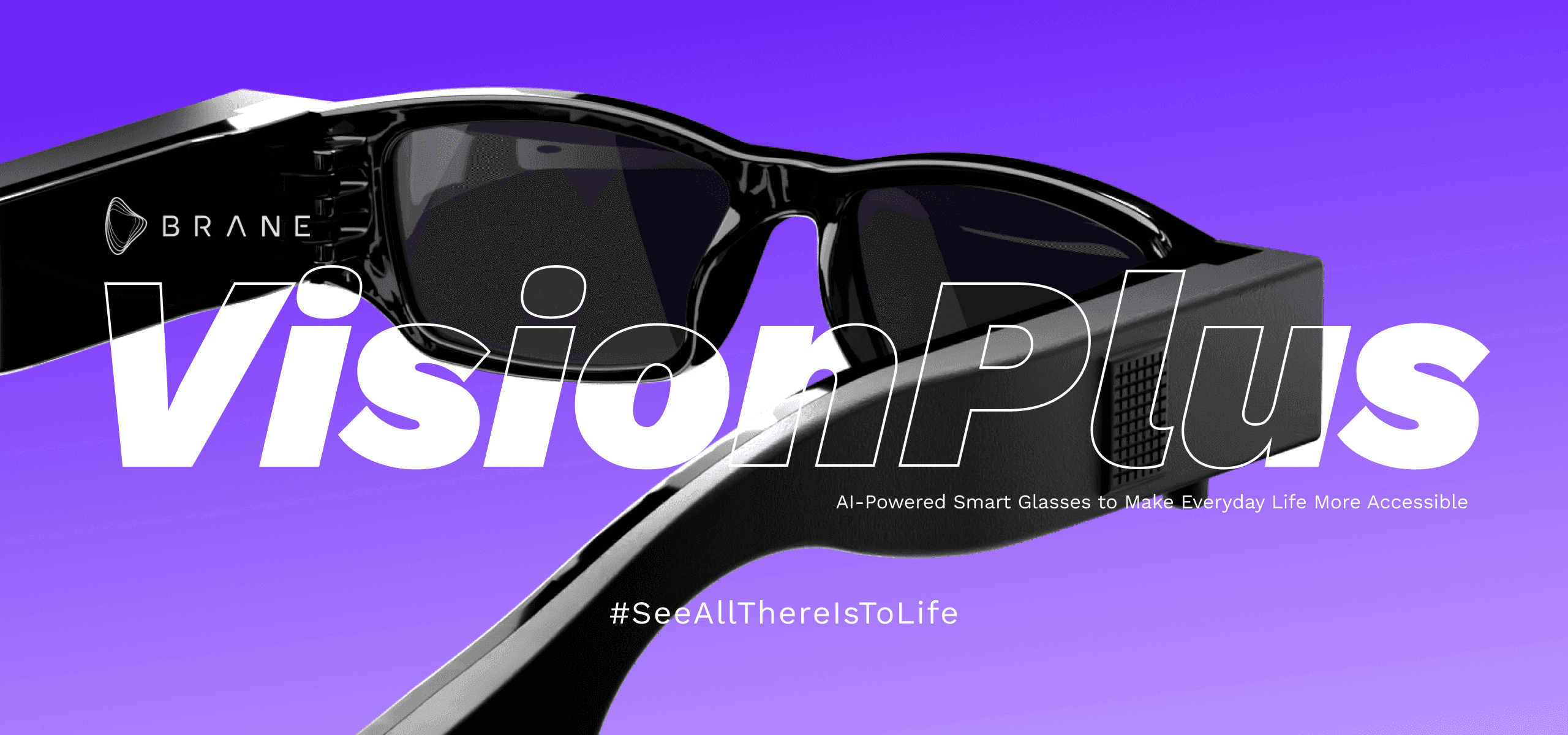
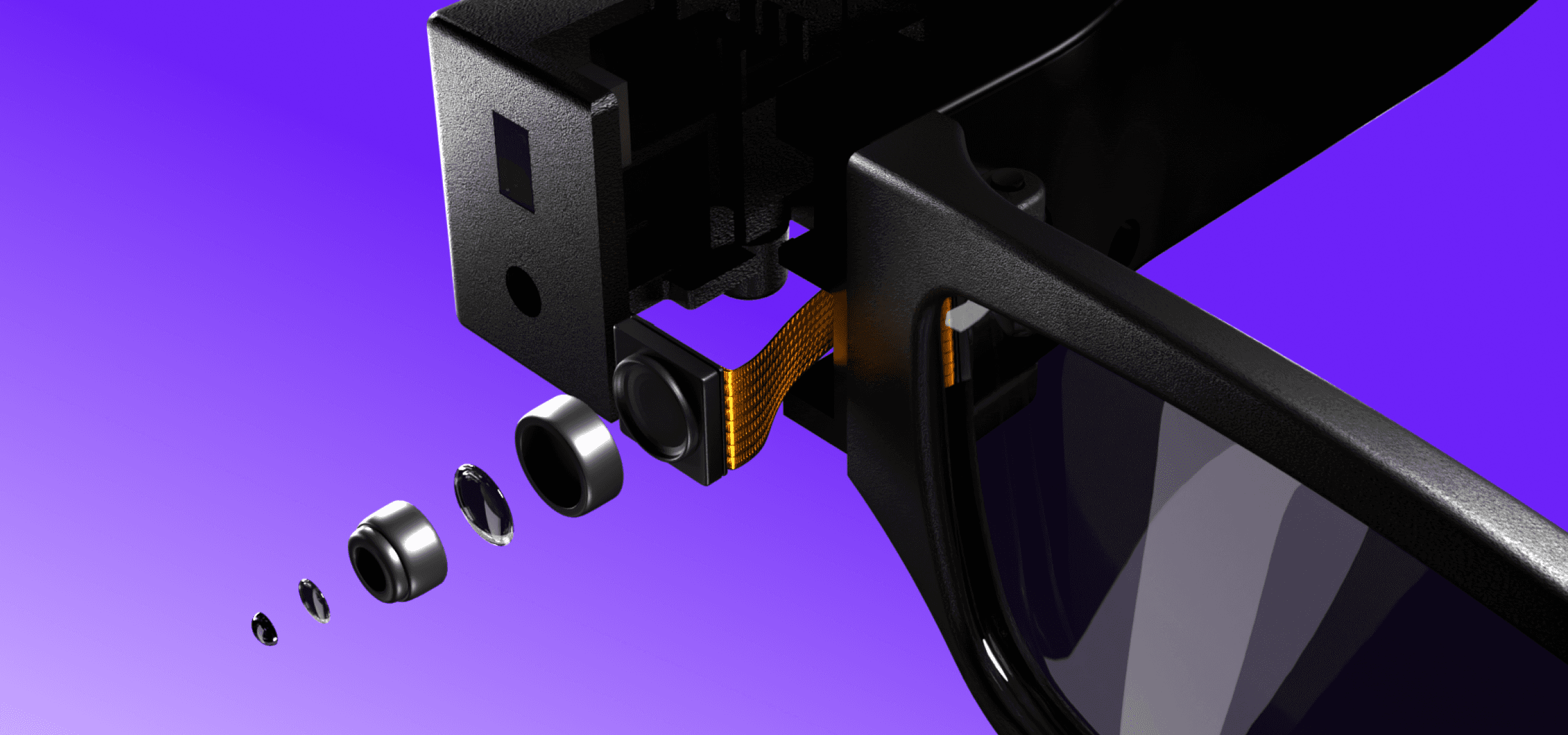
Vision Plus is an AI-powered smart glasses platform designed to augment reality through multimodal interactions. What began as a general AR wearable project evolved into a comprehensive accessibility solution when we identified an opportunity to serve the visually impaired community.

1
Key Challenge
How do you design an intuitive, context-aware AI assistant for a wearable device that serves both sighted users and those with varying degrees of visual impairment, without prior domain expertise?
INITIAL CHALLENGE
When assigned to design Vision Plus Smart Glasses, the project scope expanded to include features for visually impaired users. I faced a critical knowledge gap in understanding visual impairments (low vision, color blindness, complete blindness), the assistive technology landscape, accessibility needs beyond standard WCAG guidelines, and how AI could meaningfully improve daily independence.
Why This Matters
According to WHO, approximately 2.2 billion people globally have some form of vision impairment. Existing assistive technologies often fall into two categories:
1) Over-engineered solutions that overwhelm users with information
2) Under-designed solutions that patronize users or provide insufficient context
The opportunity was to create an AI-first solution that respects user agency while providing genuinely helpful assistance in real-world contexts.
INITIAL
THOUGHTS
*Users with visual impairments don't need technology to "see for them", they need contextual information delivered in ways that enhance their existing strategies for navigating the world.*

The Learning Challenge
Designing for accessibility without lived experience requires extraordinary humility and commitment to learning. I couldn't afford to create well-intentioned but impractical solutions. My approach was multi-faceted:
ACADEMIC FOUNDATION
(WEEK 1-2)
Studied 40+ research papers on assistive technology and visual impairment
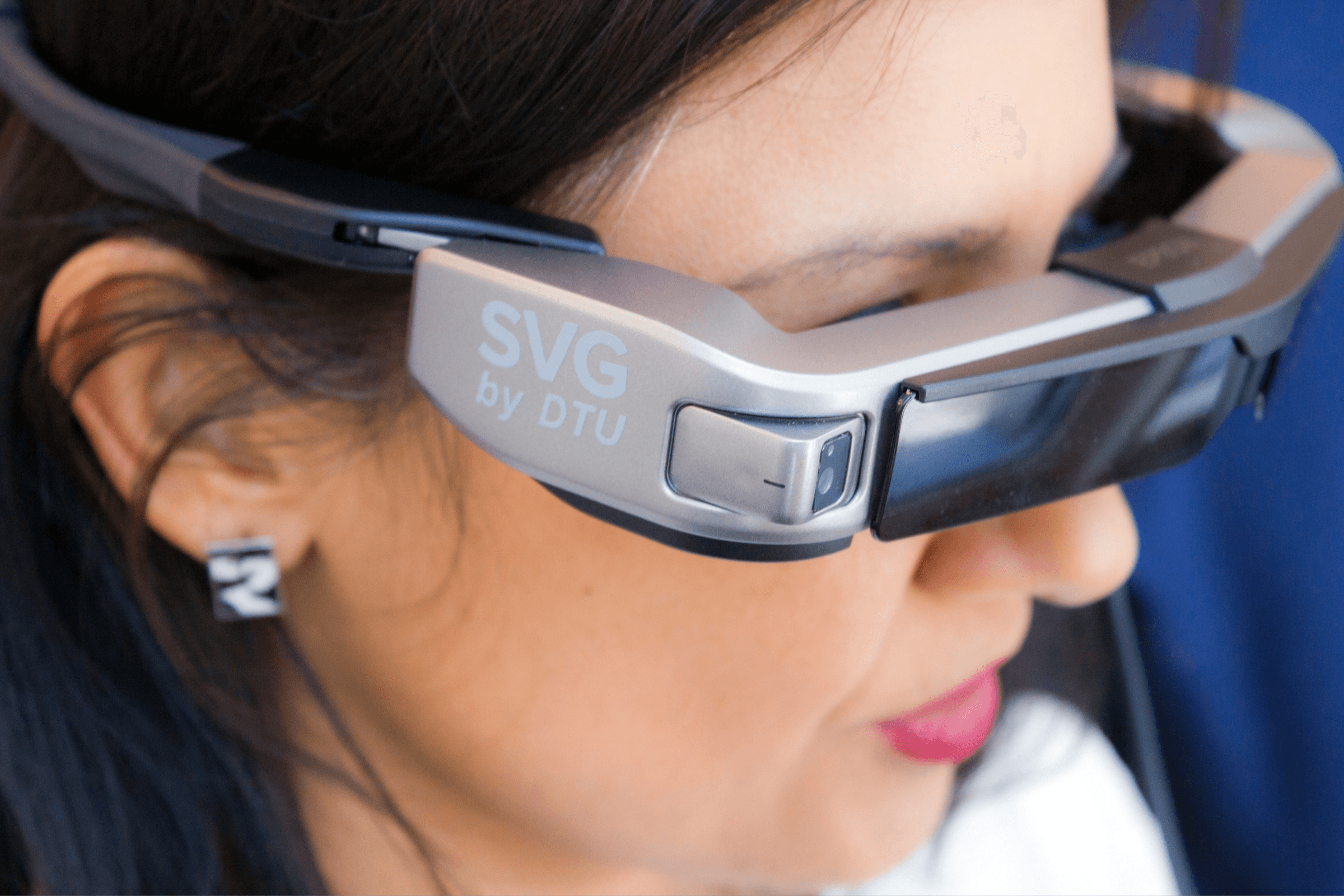
Analyzed accessibility guidelines (WCAG, Section 508, international standards).
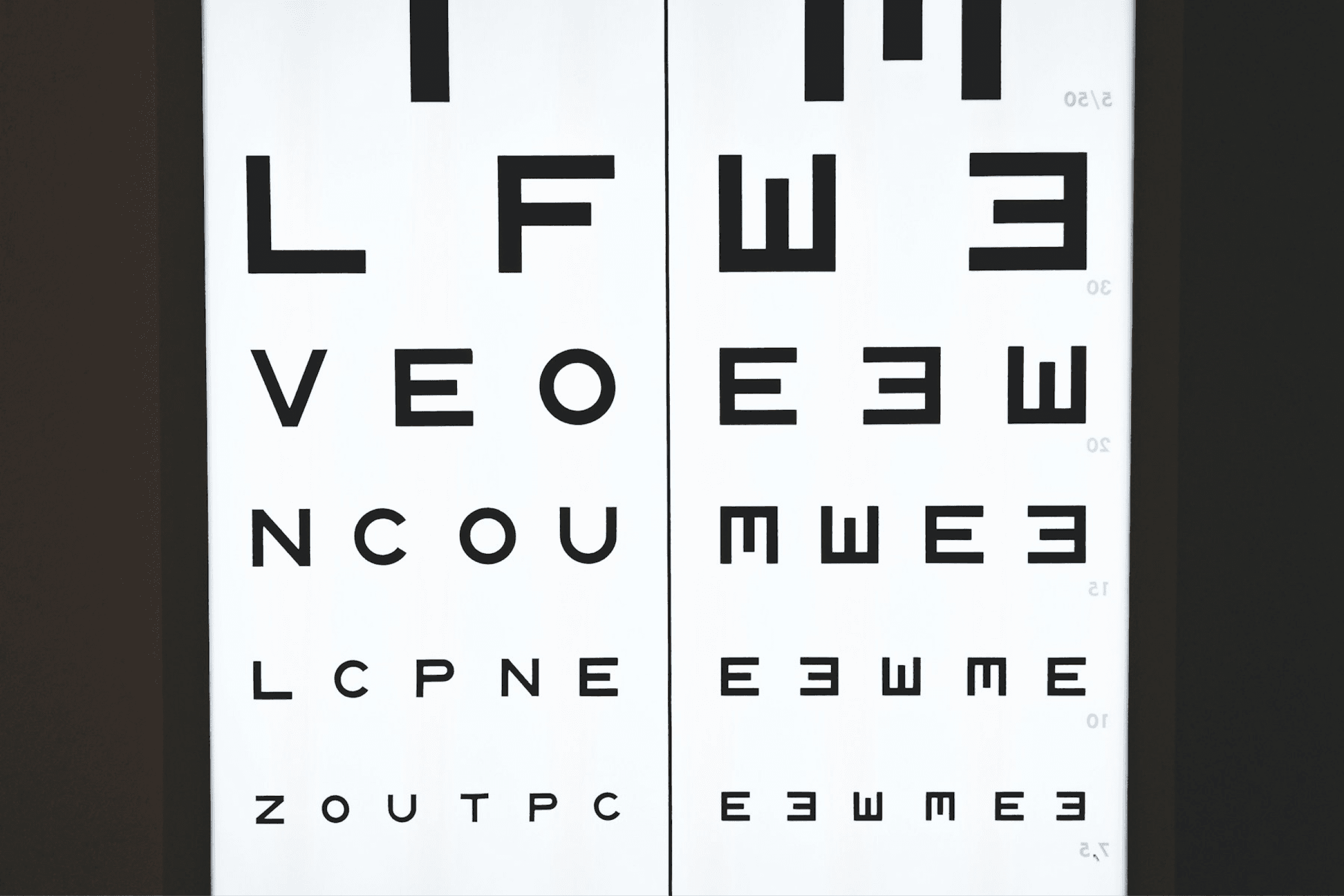
Researched the spectrum of visual impairments and their specific challenges
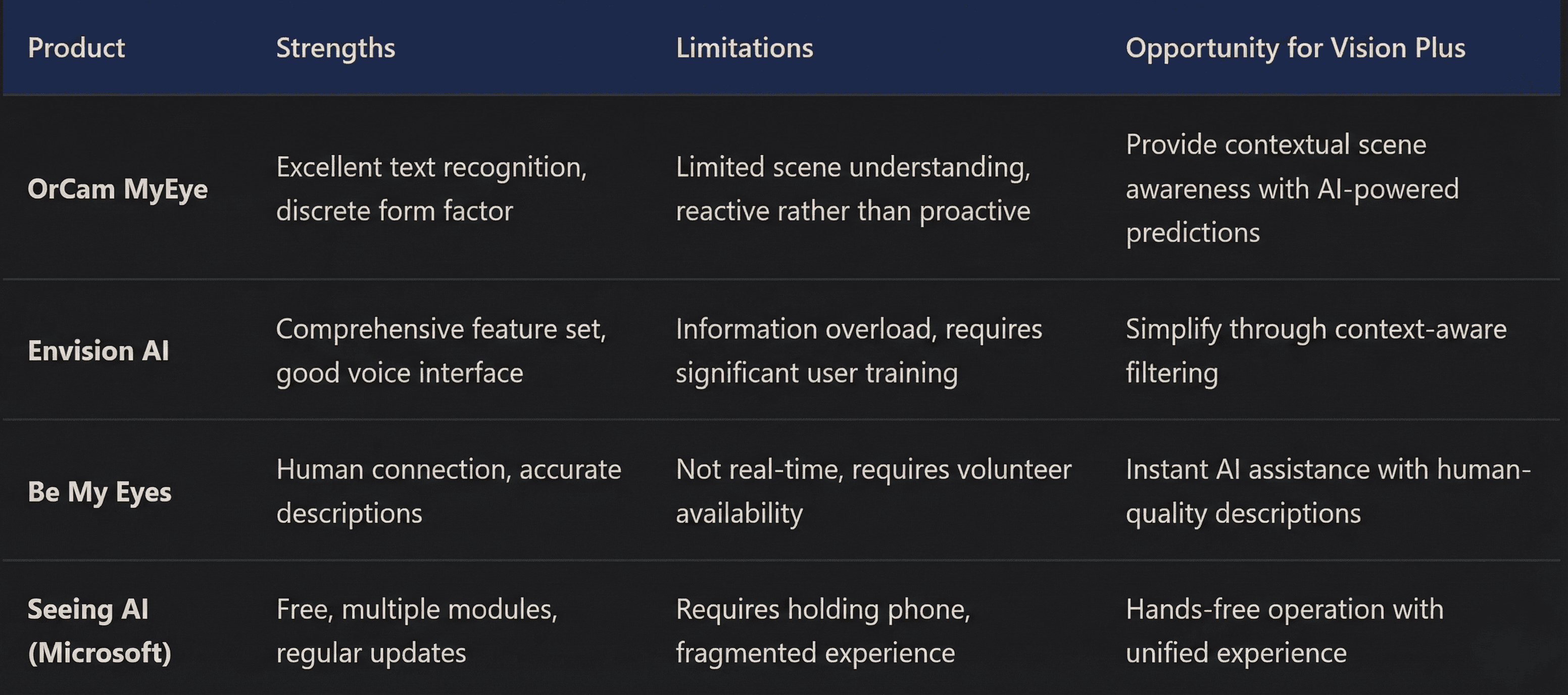
COMPETITIVE ANALYSIS
(WEEK 2-3)
CRITICAL
INSIGHTS
Decision: Rather than building another feature-rich platform, focus on seamless contextual assistance that anticipates user needs.
Reasoning: Existing solutions require users to explicitly activate features ("read text," "describe scene"). Vision Plus should understand context and proactively offer relevant information without overwhelming the user.

3
User
Research
The Learning Challenge
I conducted extensive research with 8 visually impaired individuals across different age groups, levels of vision loss, and tech literacy. This wasn't just interviews, we shadowed users through their daily routines.
(Week 3-8)

Grocery Shopping
Observed challenges with product identification, reading labels, navigating store layout, and finding specific items on shelves.
Key insight: Users developed sophisticated mental maps but needed assistance with changes and new environments.

Commuting
Watched users navigate Hyderabad metro public transit, cross streets, and move through crowded spaces using audio cues and spatial awareness.
Key insight: Spatial audio > visual overlays for navigation assistance.

Workplace Tasks
Observed how users managed documents, participated in meetings, and collaborated with colleagues.
Key insight: Speed matters. Users needed information fast.

EXPERT
CONSULTATION (ONGOING)
Worked with occupational therapists, orientation and mobility specialists, and accessibility experts to validate design concepts and understand the broader ecosystem of assistive technology.
RESEARCH
IMPACT
The user research fundamentally changed my approach. I learned that designing for accessibility isn't about adding features; it's about understanding existing coping strategies and enhancing them intelligently.

4
Critical User Needs Identified
Contextual awareness over comprehensive description: Users needed to know what was relevant to their current task, not everything in their environment
Non-intrusive audio feedback: Constant narration was exhausting; information should be available on-demand but anticipatory for critical situations
Spatial audio superiority: Directional sound cues (obstacle to the left) were more helpful than visual overlays for many users
Error-tolerant voice control: Commands needed to work with natural language, not rigid syntax
87%
of users preferred conversational voice control over wake words and explicit commands
92%
found existing solutions either overwhelming with information or insufficient in detail
58%
abandoned assistive tech apps and products within 6 months due to cognitive load
DESIGN
DECISION
Conversational AI Over Command-Based Interface
Alternative Considered: Traditional wake word + command structure (like "Vision Plus, read text")
Why We Chose Conversational:
Users found remembering specific commands cognitively taxing
Natural conversation allows contextual follow-ups ("What about the one next to it?")
Reduces friction for spontaneous questions
More dignified interaction pattern: users talk naturally rather than issuing commands
DESIGN GOALS
Text
The Text Recognition feature converts any text into speech instantly using a Speech Engine. With this feature
the user can read any
printed material.
Face
With the Face Recognition feature, users can train the app to identify the faces of their near and dear ones easily at indoor locations.
Currency
Users can instantly identify both old and new currency above the denomination Rs. 10 and transact with ease
using the Currency Recognition feature.
Object
The Object Recognition feature helps the user understand their surroundings better. At any given time, it recognizes 3 objects. By just pointing their phone, users can locate and identify objects, get a sense of direction and identify colours.
Scene
With the Scene Depiction feature, users can get
an accurate description of their surrounding with
minute details.
Navigation
The Navigation feature identifies the obstacles in front of the user, helps avoid them and roam freely indoors. It alerts the user, provides step count and direction from
the obstacle.
Auto Pilot
With the Autopilot feature, users get access to the functions of all the features.

5
Based on research insights, I established core principles to guide all design decisions:
Followed Stanford Design Thinking Method: EDIPT
Agency First
Users control the level of assistance. The system should enhance, not replace, existing strategies and mental models.
Context is King
Filter information through the lens of user intent. Navigating requires different information than shopping or reading.
Less is More
Deliver minimal sufficient information clearly rather than comprehensive information overwhelmingly.
Predictive
Anticipate needs based on context (location, time, history) but don't interrupt unnecessarily.
Natural Interaction
Conversation over commands, spatial audio over visual cues, proactive assistance over manual feature activation.
Graceful Degradation
When AI confidence is low, communicate uncertainty rather than providing incorrect information.
PRODUCT
FEATURES

6
Prototyping & Testing
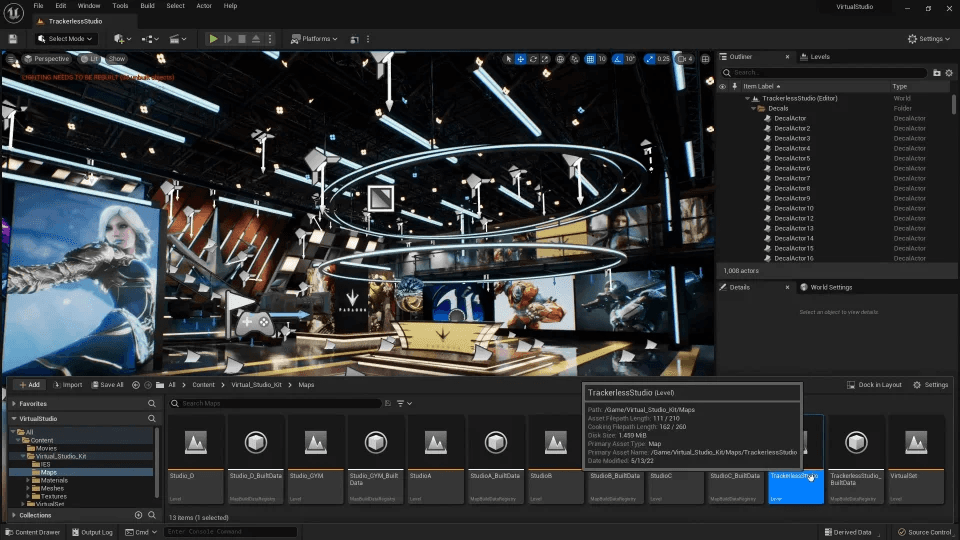
Prototyping in Unreal Engine
Standard mockup tools couldn't capture the spatial audio and multimodal interactions critical to Vision Plus. I prototyped core experiences in Unreal Engine to simulate the audio-spatial experience.
LEARNING
To support this work, I completed Epic Games’ Game Design Specialization on Unreal Engine, covering game mechanics, world-building, interaction design, and rapid iteration, enabling high-fidelity spatial prototypes that behaved like real-time assistive experiences.
What This Enabled
Spatial audio testing: Users could experience directional cues in 3D space before hardware existed
Context switching: Simulated how the system behaves differently in navigation vs. exploration modes
Latency testing: Identified unacceptable delays (>500ms felt disconnected from environment)
Cognitive load assessment: Measured when users felt overwhelmed vs. appropriately informed
Conversational AI Over Command-Based Interface
Provides natural language descriptions of surroundings, adjusting detail level based on context and user requests.
DESIGN
CHALLENGE
Users wanted to know who was approaching them in social situations, but we couldn't create a system that identified strangers without consent.
INTERACTIVE WEBSITE CONCEPTS

3D ANIMATIONS
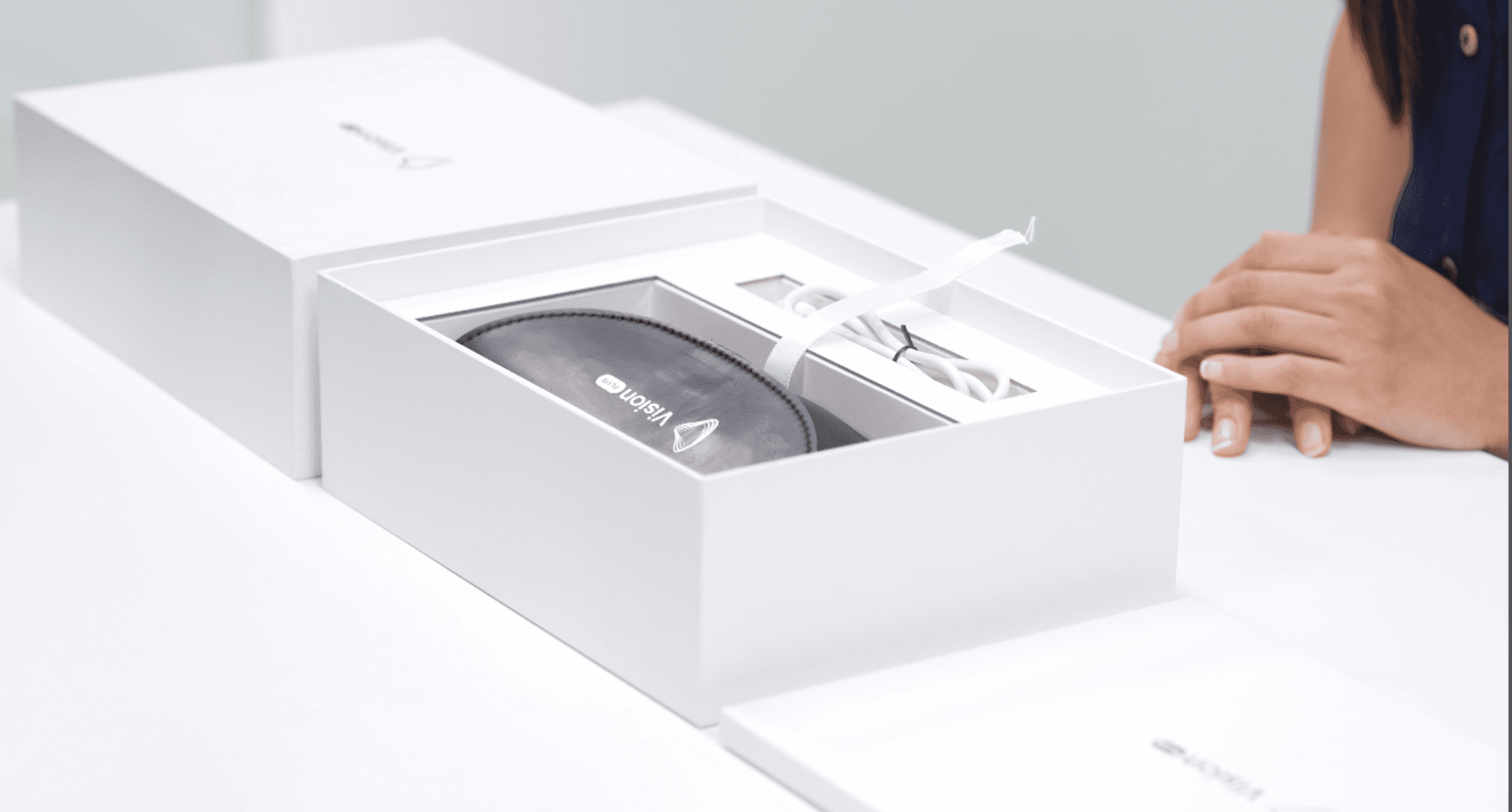
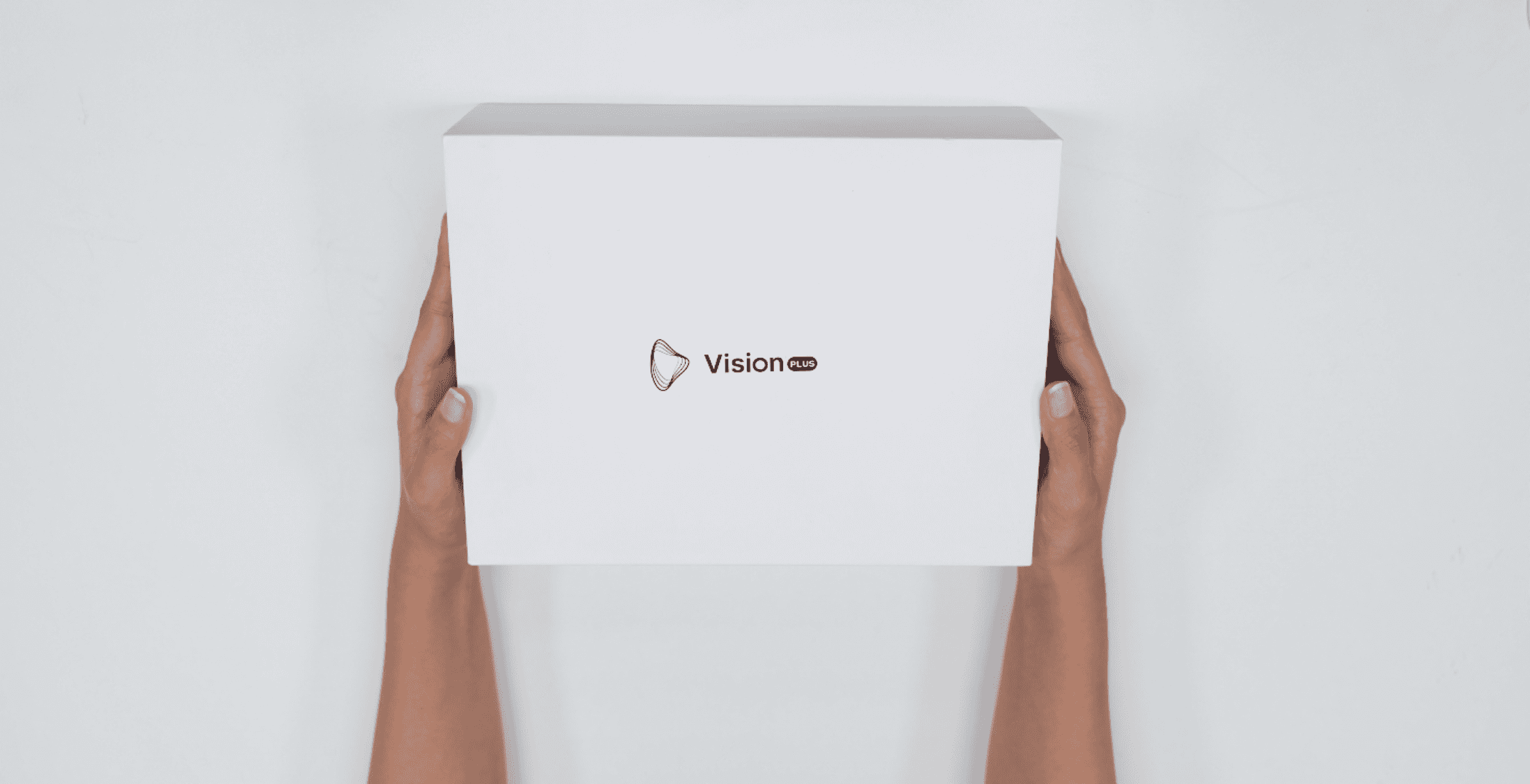
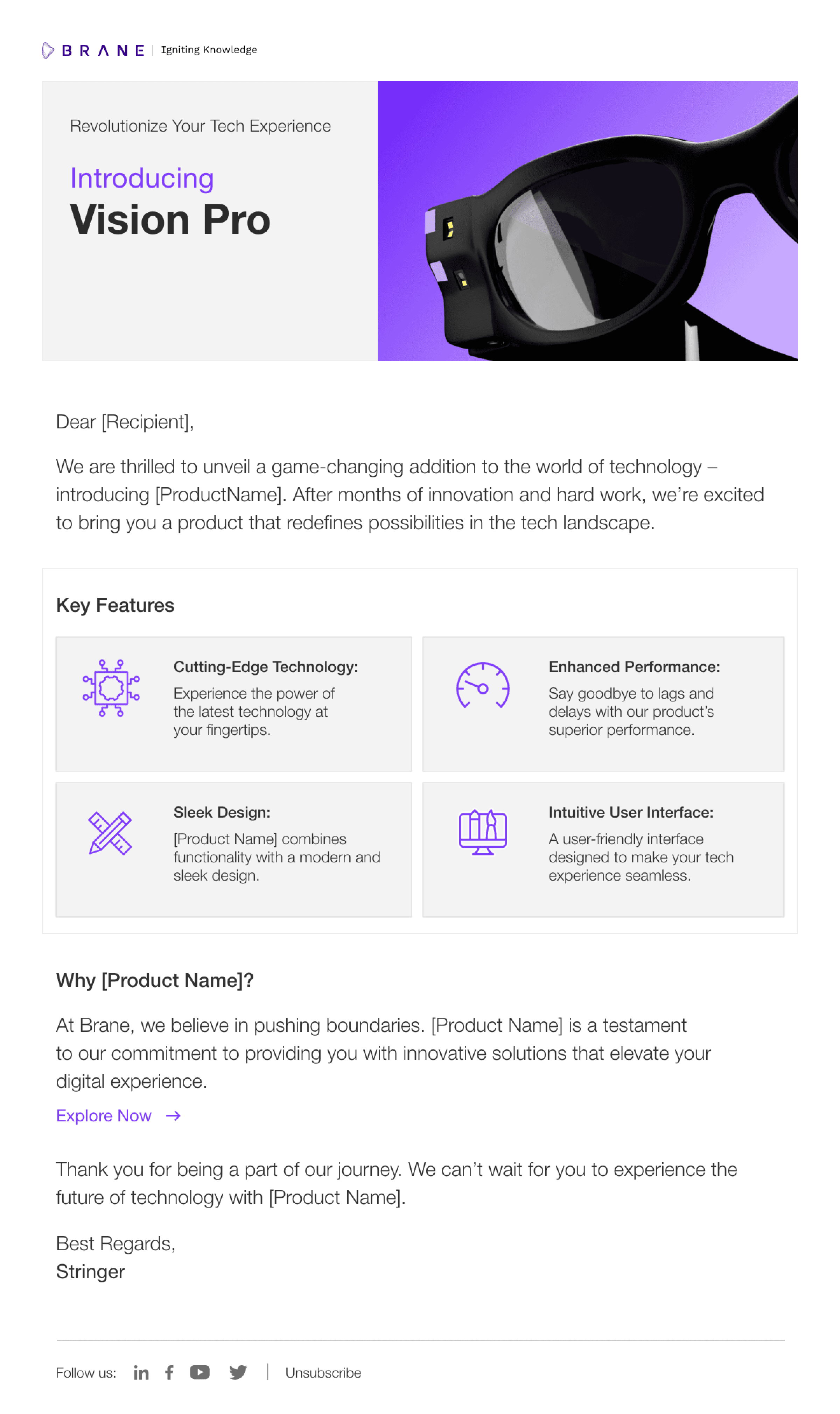
PRODUCT PACKAGING
& MARKETING
DESIGN
CHALLENGE
Users wanted to know who was approaching them in social situations, but we couldn't create a system that identified strangers without consent.
7
Results & Learnings
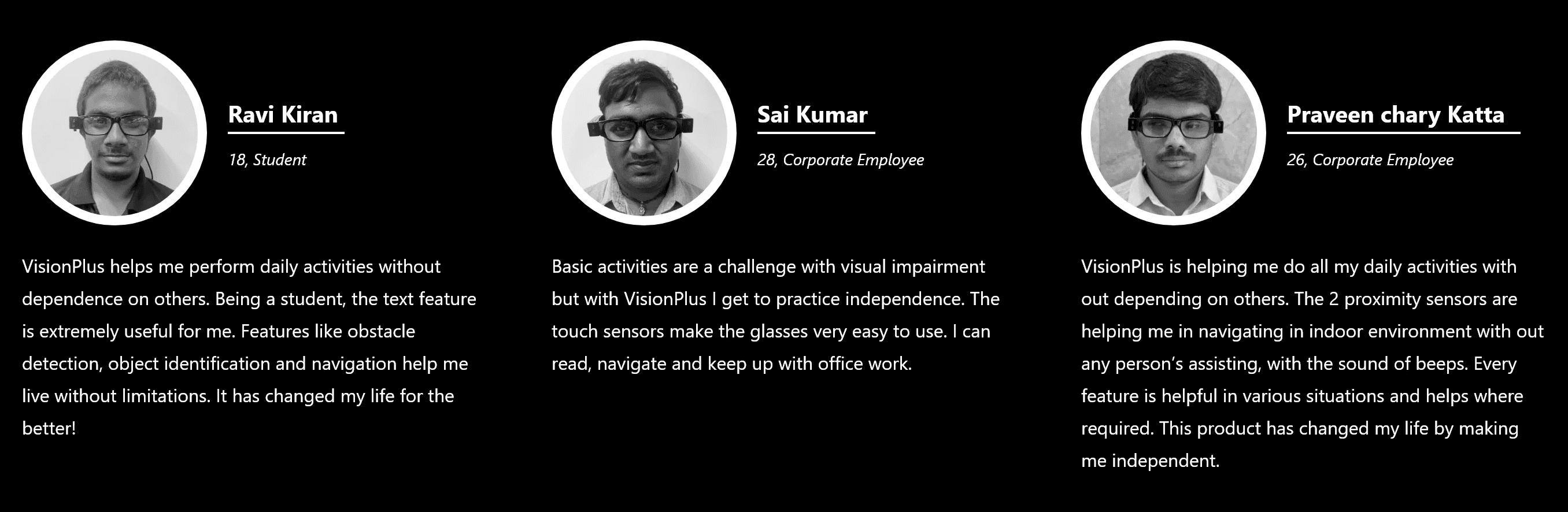
USER RESPONSES
Test with users even earlier: our first two iterations failed due to assumptions
Start with audio-first design instead of adapting visual-first approach
Invest more time in understanding existing user strategies before proposing solutions

MOST
IMPORTANT
LEARNINNG
Designing for accessibility requires humility and empathy. The best solutions enhance what users already do well rather than imposing new patterns. Listen more than you talk, and validate every assumption with real users.